Thursday, November 26, 202629 good stories this week · Free · Updated all day
Step by step
How to send a story
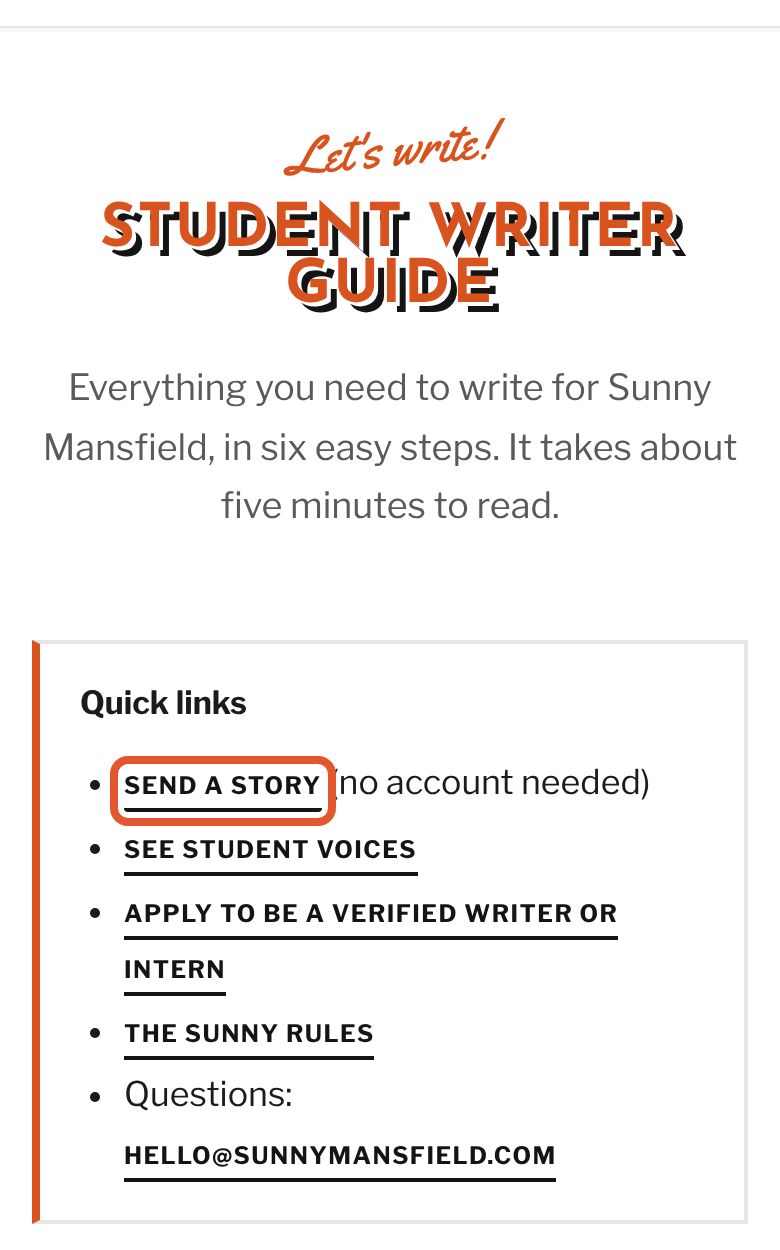
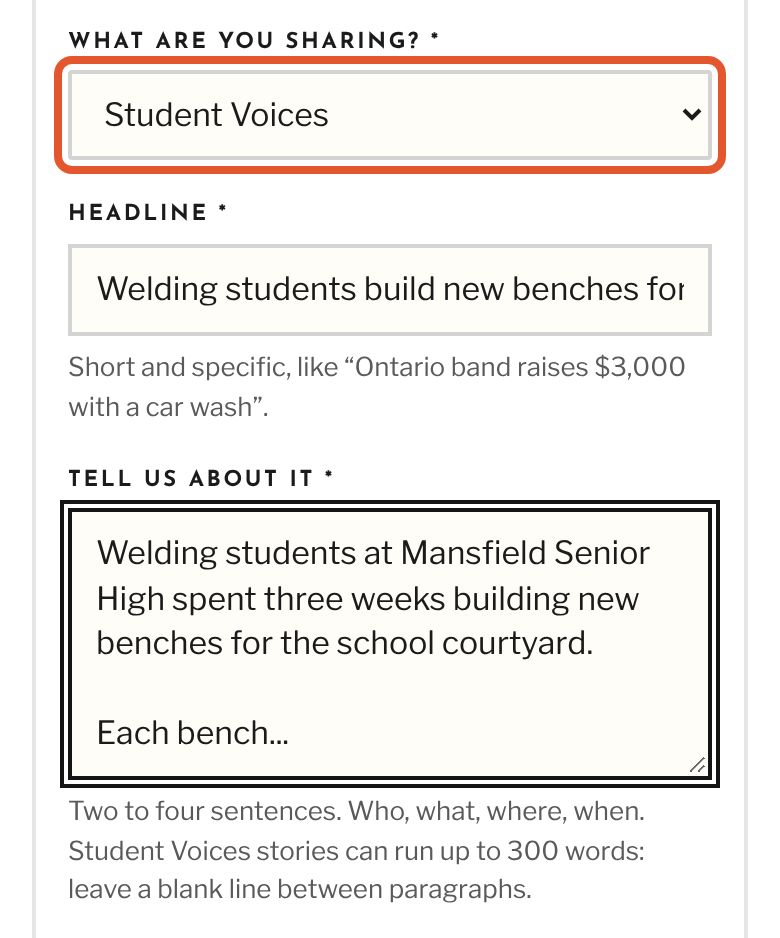
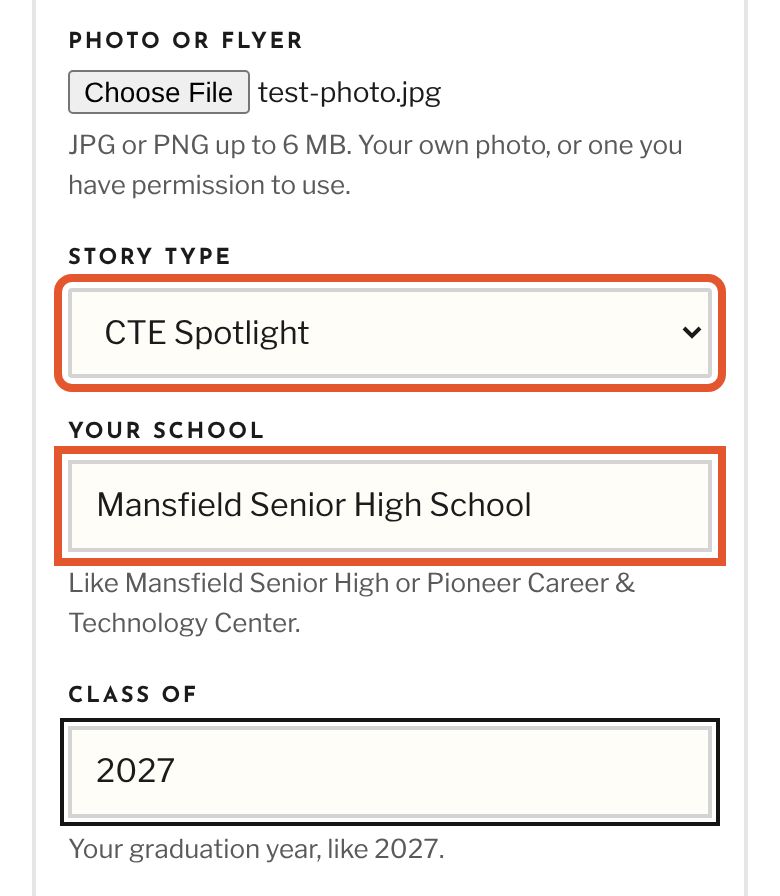
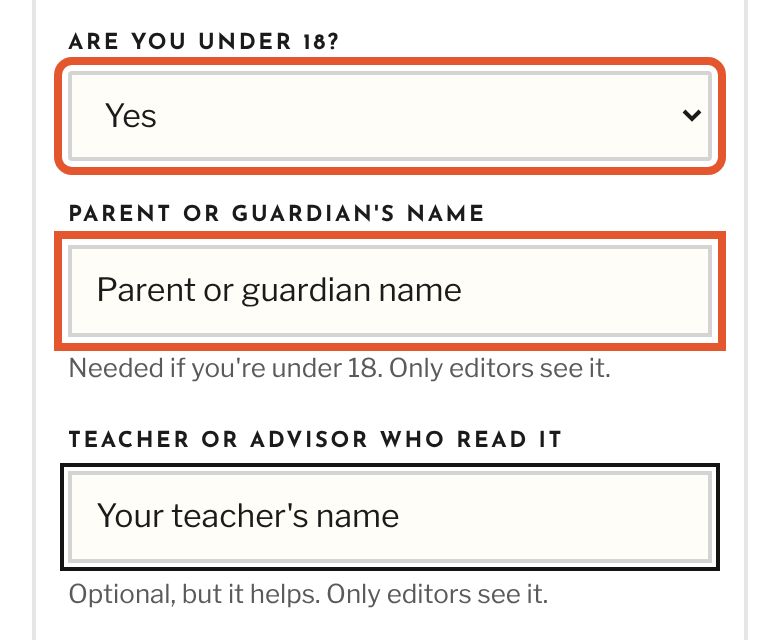
Sending a Student Voices story takes about two minutes. Here's every step, in pictures.
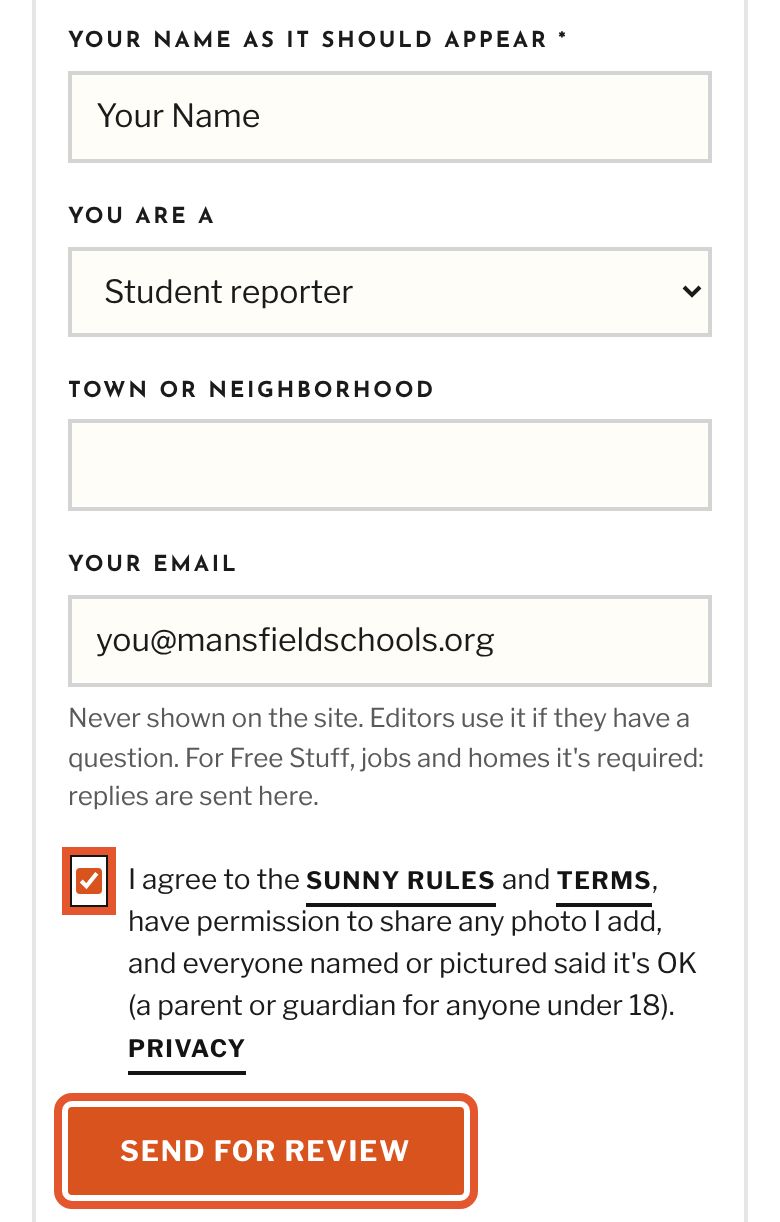
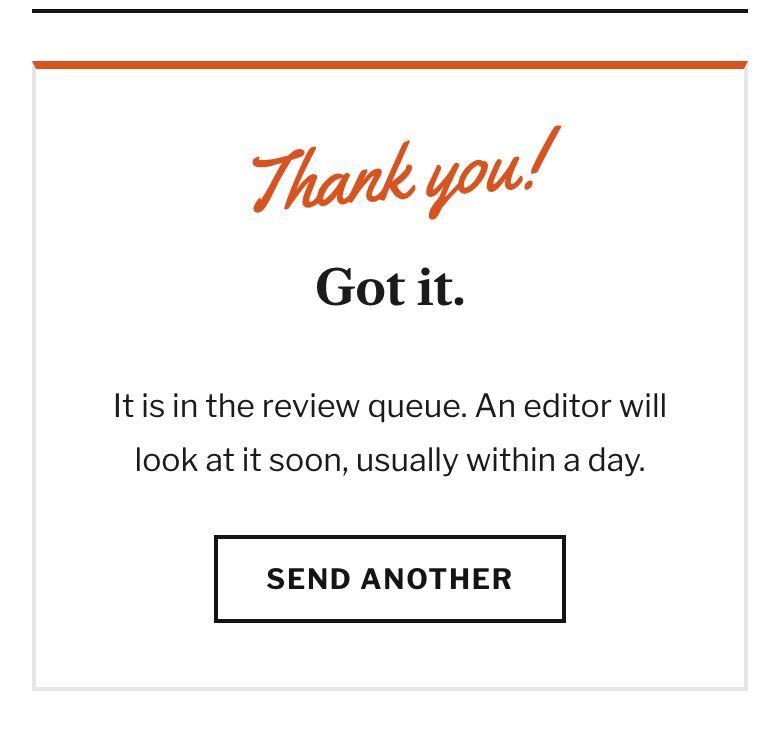
1Open the student writer guide and tap Send a story.2Or, on the Submit page, tap Write a story on the Student Voices card.3Student Voices is already picked. Type your headline and paste your story. Leave a blank line between paragraphs.4Add one photo, pick your story type, and type your school and class year.5Under 18? Choose Yes and add a parent or guardian's name. Add the teacher or advisor who read it. Only editors see these.6Type your name the way it should appear, choose Student reporter, add your email, check I agree and press Send for review.7You'll see Got it. Your story is in the review queue. An editor reads it, usually within a day.8Once it's approved, your story gets its own page with your name, school and a Share button. Send the link to family and friends.